How to Build a Digital Product From Scratch (Step-by-Step)
A beginner-friendly step-by-step guide to digital product ideas, research, scope, build, pricing, launch, and first users.
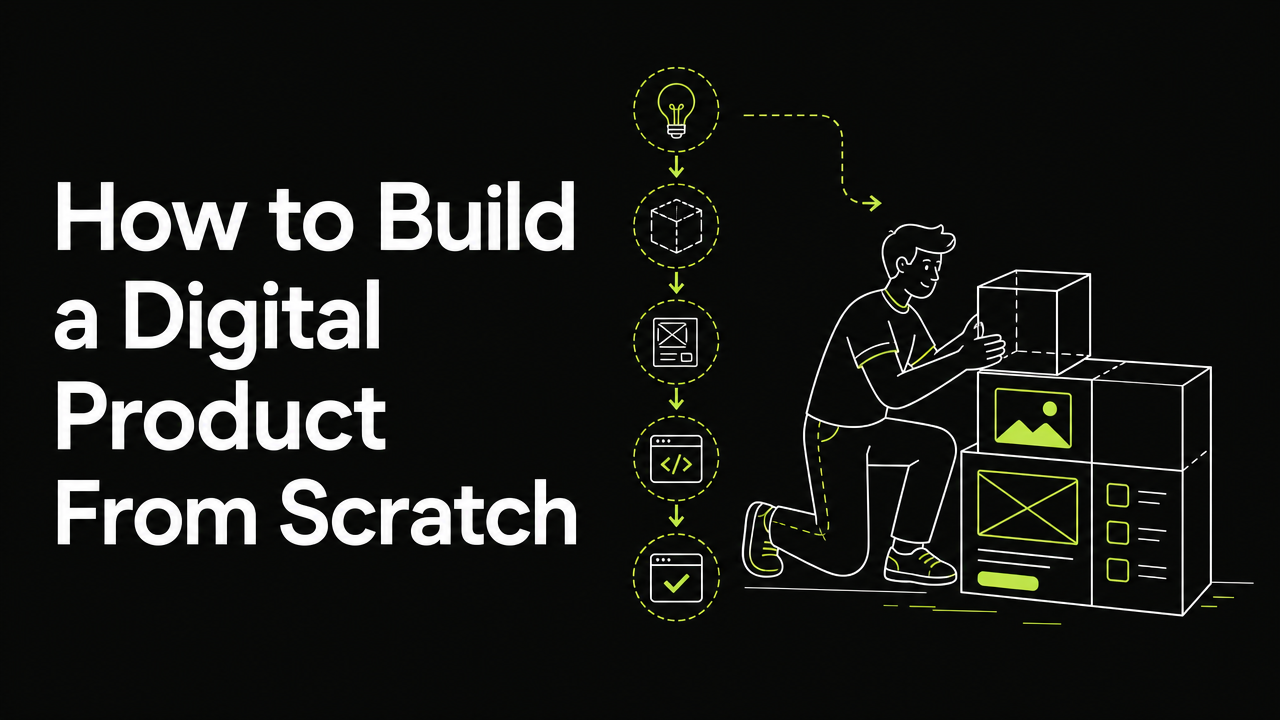
Building a digital product from scratch means turning a painful, specific problem into a simple paid solution, then launching it before it feels perfect. Start with a narrow audience, validate demand through conversations, build the smallest useful version, price it clearly, and get your first users through direct outreach, communities, and launch platforms like HubNest.
What counts as a digital product?
A digital product is anything people can access, use, download, or subscribe to online. It can be software, a template, a course, a database, an automation, a paid community, a newsletter, or a niche tool.
For beginners, the best digital products are usually small and focused. You are not trying to build the next giant platform on day one; you are trying to solve one painful problem well enough that someone cares.
Good beginner-friendly digital product formats include:
- A Notion, Airtable, Google Sheets, or Figma template
- A simple web app that automates a repetitive task
- A curated directory or database
- A practical guide, checklist, or workbook
- A micro SaaS tool for a narrow workflow
- A paid resource bundle for a specific audience
How do you find a product idea worth building?
Start with problems, not features. A strong product idea usually comes from a repeated frustration, an expensive workaround, or a task people already spend time or money trying to solve.
Look for problems in places where people already ask for help:
- Your own work, hobbies, and recurring annoyances
- Reddit, Slack groups, Discord communities, and forums
- Reviews of existing products
- Comments on YouTube tutorials and blog posts
- Questions people ask in founder and maker communities
- Manual workflows inside small businesses
A useful idea often sounds boring at first. Boring problems can be great because they are practical, frequent, and tied to real work.
Use this simple filter before committing:
- Who has the problem? Be specific about the audience.
- How often does it happen? Frequent problems are easier to sell.
- What do they do now? Spreadsheets, agencies, manual work, or expensive tools are good signs.
- Why is the current solution frustrating? Your product needs a clear improvement.
- Would they pay, switch, or share? At least one of these must be likely.
How should you research your idea before building?
Research is not about proving that your idea is brilliant. It is about discovering whether the problem is real, urgent, and specific enough to support a product.
Talk to people before you build. Five useful conversations with the right audience can save weeks of guessing.
Ask questions like:
- What is the hardest part of this task right now?
- How do you currently solve it?
- What have you tried already?
- What happens if you do not solve it?
- How much time or money does this cost you?
- What would a good solution need to include?
Avoid asking, Would you use this? People often say yes to be polite. Instead, ask about past behavior, current tools, and real constraints.
You can also research public signals:
- Are people searching for tutorials about the problem?
- Are competitors getting reviews, comments, or complaints?
- Do communities discuss the pain repeatedly?
- Are people already paying for partial solutions?
- Can you explain the product in one sentence?
If nobody understands the problem without a long explanation, narrow it further.
How do you define the smallest version to launch?
The first version should be the smallest product that creates a real outcome for a real user. It is not the smallest amount of code; it is the smallest useful promise you can deliver.
Write a one-sentence product promise:
- For: freelance designers
- Who need: faster client onboarding
- This product helps: collect project details, files, and approvals in one place
- Without: back-and-forth email chaos
Then turn that promise into a tight scope.
Your minimum viable product should include:
- One clear audience
- One primary use case
- One main workflow
- One visible result
- One simple way to buy, access, or sign up
It should not include:
- Multiple customer types
- Complex dashboards nobody requested
- Advanced permissions too early
- Integrations that are nice but not required
- A mobile app unless the problem truly demands it
- A full brand system before you have users
A good beginner rule is to build the version you can finish in days or weeks, not months. If the scope feels too small, that may be a good sign.
How do you choose the right tools to build it?
Choose tools based on speed, comfort, and the product type. The best stack is the one that helps you launch and learn quickly.
For non-technical founders, start with no-code or low-code tools:
- Website builders for landing pages
- Form tools for onboarding and feedback
- Notion, Airtable, or Sheets for templates and databases
- Stripe or Gumroad-style checkout tools for payments
- Zapier or Make for automation
- Community platforms for paid groups or cohorts
For technical builders, keep the stack boring. Use tools you already know instead of experimenting with new frameworks during your first launch.
Before building, define the core user path:
- Visitor understands the product.
- Visitor signs up, buys, or joins a waitlist.
- User gets access quickly.
- User completes the first useful action.
- User sees the promised result.
- User knows what to do next.
If any step is confusing, fix that before adding more features.
How do you build without getting stuck forever?
Set a launch deadline before you start building. Without a deadline, beginners often keep improving small details instead of testing the product with real users.
Break the build into milestones:
- Landing page: Explain the problem, audience, outcome, and call to action.
- Core product: Build only the main workflow or deliverable.
- Access and payment: Make it easy to buy, join, or request access.
- Onboarding: Show users how to get value quickly.
- Feedback loop: Add a simple way for users to report issues or ask questions.
- Launch assets: Prepare screenshots, short descriptions, FAQs, and a launch post.
Use a feature parking lot. Every time you think of a new idea, write it down instead of building it immediately.
Ask this before adding anything:
- Does this help the first user get the promised result?
- Is this required before launch?
- Can I manually do this for the first users?
- Will this delay feedback?
Manual work is fine early. If you can onboard users manually, send custom emails, or process requests yourself, do it until the pattern is clear.
How should you price your first digital product?
Pricing should match the outcome, audience, and product format. Do not overcomplicate it at launch.
Common beginner pricing models include:
- Free: Good for audience building, feedback, or open tools.
- One-time payment: Good for templates, guides, resources, and small utilities.
- Subscription: Good for ongoing value, updated data, automation, or hosted software.
- Tiered pricing: Good when different users need different levels of access.
- Founder plan: Good for early supporters, but only if you can honor it long term.
Avoid hiding pricing unless you are selling a high-touch B2B product that needs calls. For most indie products, clear pricing reduces friction.
If you are unsure, start simple:
- Pick one paid plan.
- Describe exactly what is included.
- Offer a clear refund or cancellation policy if relevant.
- Watch whether people buy, hesitate, or ask the same questions.
- Adjust after real conversations, not guesses.
Free users can provide feedback, but paying users reveal stronger demand. Even a small payment can teach you more than a large waitlist.
How do you prepare for launch day?
A launch is not just posting a link once. It is a coordinated push to put your product in front of the right people and create conversations.
Before launch, prepare:
- A short product description
- A longer explanation of the problem and outcome
- Screenshots or a simple demo
- A clear pricing page or signup flow
- A list of communities where your audience spends time
- A personal outreach list
- Answers to common objections
- A feedback form or support email
Your launch message should be specific. Say who it is for, what it helps them do, and why you built it.
A simple launch post structure:
- I built this for a specific audience.
- It solves this specific problem.
- Here is how it works.
- Here is who should try it.
- I would love feedback, questions, or first users.
You can list your product on discovery platforms so people actively looking for new tools can find it. HubNest lets makers submit products, browse what others are building on Discover, and explore niches through categories.
How do you get your first users after launch?
Your first users usually come from direct effort, not passive traffic. You need to talk to the people who feel the problem most.
Start with warm and relevant channels:
- People you interviewed during research
- Past colleagues, clients, or community contacts
- Niche communities where you already participate
- Social posts showing the problem and build process
- Founder directories and launch platforms
- Comments on relevant discussions where you can be genuinely helpful
Do not spam communities with a generic link. Join the conversation, explain the problem, and invite the right people to try the product.
Use a simple first-user plan:
- Message everyone who gave research input.
- Share a clear launch post from your own profile.
- Post in two or three highly relevant communities.
- Submit the product to discovery platforms.
- Ask every user what almost stopped them from signing up.
- Follow up with helpful updates, not constant selling.
You can also connect with other indie makers through builders and learn from launches appearing on the leaderboard. The goal is not to copy others, but to notice how clear positioning, strong visuals, and focused categories help products get attention.
How do you know what to improve next?
After launch, your job changes from building features to learning from behavior. Watch what users do, where they get stuck, and what they ask for repeatedly.
Track practical signals:
- Which audience responds fastest?
- Which promise gets the most interest?
- Where do users drop off?
- What questions come before purchase?
- What do paying users request more than once?
- What do users do manually after using your product?
Feedback is useful, but patterns matter more than one-off opinions. If one person asks for a feature, listen; if five similar users ask for it, prioritize it.
Your next improvements should usually focus on:
- Making the first experience clearer
- Removing steps from the core workflow
- Improving the landing page message
- Adding proof through examples or use cases
- Fixing bugs that block the promised outcome
- Creating content that answers buyer questions
Keep a public or private changelog so users see progress. Consistent improvement builds trust, especially for early-stage digital products.
What are the biggest beginner mistakes to avoid?
Most failed first products do not fail because the builder lacked talent. They fail because the idea stayed vague, the scope became too large, or launch was delayed too long.
Avoid these common mistakes:
- Building for everyone instead of a narrow audience
- Starting with features instead of a painful problem
- Spending too much time on logos and colors
- Refusing to charge because the product is not perfect
- Adding complex features before anyone asks for them
- Launching once and disappearing
- Ignoring confused users because feedback feels uncomfortable
- Comparing your first version to mature companies
The best beginner mindset is simple: ship a useful version, learn quickly, improve honestly, and keep talking to users.
FAQ
How long does it take to build a digital product from scratch?
It depends on the scope and format. A template, guide, or simple resource can be launched quickly, while a software product usually takes longer, but beginners should still aim for a small first version instead of a complete platform.
Do I need to know how to code to build a digital product?
No. Many digital products can be built with no-code tools, templates, spreadsheets, automation platforms, or manual service behind the scenes. Coding helps for custom software, but it is not required to validate a problem or get first users.
Should I launch for free or charge from the beginning?
If the product creates clear value, charging early can help validate demand. Free can make sense for feedback, audience growth, or a product that needs usage before monetization, but avoid using free as a way to hide uncertainty forever.
What should I do if nobody signs up after launch?
Do not assume the product is dead immediately. Review your audience, message, offer, and distribution, then talk to people who saw it but did not act. Often the first fix is clearer positioning or more direct outreach, not more features.
Ready to launch your digital product? Submit it on HubNest so indie builders, founders, and early adopters can discover what you are building.